


How to Use ChatGPT to Create a Wedding Seating Chart for 150 Guests (Without Losing Your Mind)

Updated: Mar 12
One of the most stressful parts of planning a wedding reception isn’t the flowers, the dress, or even the timeline. It’s the seating chart.
Suddenly you’re balancing family dynamics, friend groups, and the question every couple asks: Will everyone have someone to talk to at their table?
Traditionally, planners spread out note cards on a table or shuffle names in spreadsheets for hours. But there’s a surprisingly helpful modern tool that can simplify the process: ChatGPT.

Used thoughtfully, it can help couples organize their guest list, group people naturally, and build a seating chart in a fraction of the time.
Here’s how to use it.
Step 1: Start With a Simple Guest List
Before asking ChatGPT for help, organize your guest list in a basic spreadsheet. This doesn’t have to be complicated.

Step 2: Know Your Table Layout
Before creating the seating chart, determine your table structure.
For example:
• 150 guests
• Round tables
• 8–10 guests per table
This means you’ll likely have 15–18 tables.
When you ask ChatGPT for help, include this information so it can distribute guests evenly.
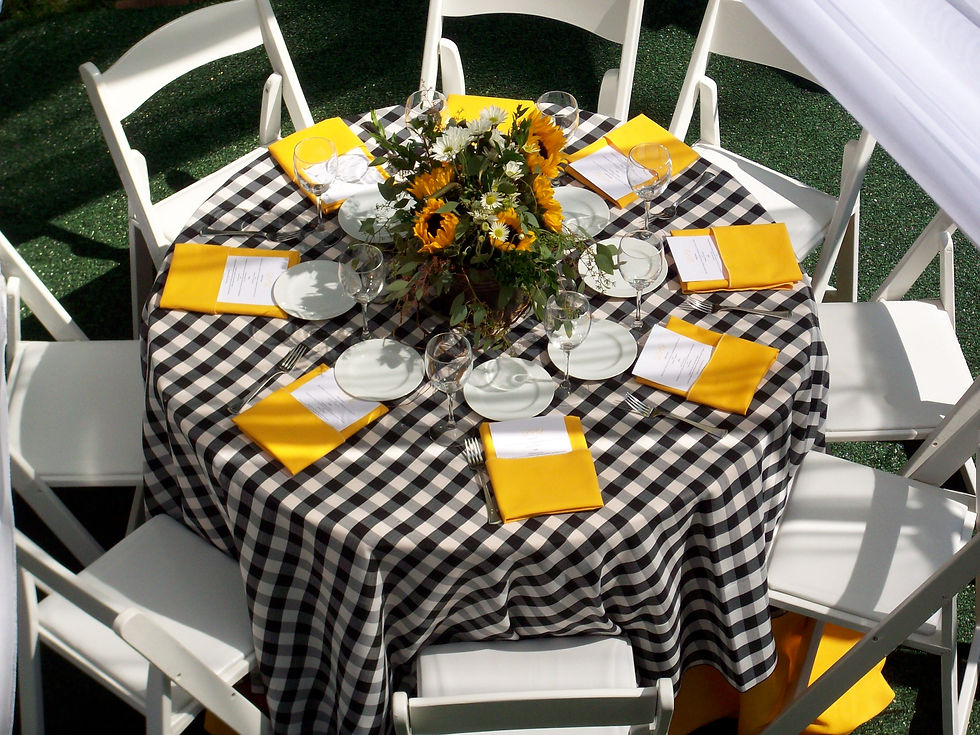
Step 3: Ask ChatGPT to Build the Tables
Once your list is organized, paste it into ChatGPT and give it a clear prompt.
For example:
I’m planning a wedding reception for 150 guests. Tables seat 10 people each. Please create a seating chart that keeps families together, places close friends near each other, and mixes couples so no one feels isolated. Older relatives should be closer to the exits or quieter areas.
ChatGPT will then group guests and suggest table assignments.
You can refine the results by asking follow-up questions like:
• “Make sure everyone at each table knows at least two other guests.”
• “Keep these two guests at separate tables.”
• “Place older relatives closer to the front.”

Step 4: Use “Social Clusters” First
One helpful trick wedding planners use is creating social clusters before assigning tables.
Instead of seating everyone individually, group guests who naturally belong together:
Bride’s cousins
College roommates
Work colleagues
Childhood friends

Once these clusters are formed, you can easily assign them to tables without constantly rearranging individuals.
ChatGPT can help identify and organize these clusters quickly.
Step 5: Adjust for Comfort and Hospitality
A thoughtful seating chart goes beyond logistics. It considers the guest experience.
Think about:
• Older guests needing easier access
• Guests who may not know many people
• Couples who should sit together
• Guests who will bring great energy to a table
Hospitality is about helping people feel comfortable and welcomed from the moment they sit down.
⸻
Step 6: Create a Final Seating Chart
Once your tables are finalized, ChatGPT can help turn the list into something easy to share with your venue or planner.
You might ask:
• “Format this into a printable seating chart.”
• “Organize this by table number.”
• “Create escort card assignments by last name.”
This makes it easy to hand off the final plan to your coordinator and venue team.

⸻
A Final Thought
A seating chart may feel like a logistical puzzle, but at its heart it’s about bringing people together.
Your wedding reception is often the first time two families and multiple friend groups gather in one room. Thoughtful seating can spark conversations, new friendships, and memories that last long after the night ends.
Tools like ChatGPT can make the process easier—but the real goal is the same as it’s always been:
Creating a table where people feel welcomed, connected, and ready to celebrate.
⸻
If you’re planning a celebration and want help designing a beautiful and hospitable guest experience,
Check out Adore tabletop rentals, and consulting to help bring your gathering to life.
Because the best celebrations aren’t just beautiful—they’re thoughtfully hosted.
Don’t forget to join our vip list for tips and events about planning the most joyful and beautiful celebrations !


Comments